
The HP Neverstop Laser 1020 driver download for a Mac is Install HP app to complete setup and support. This page lists HP’s official software for the HP Neverstop Laser 1020.
Recommended Neverstop Laser 1020 driver downloads
Files download directly from HP’s official servers. hpdrivers.net does not host or modify them.
Neverstop Laser 1020 driver: all packages
Neverstop Laser 1020 driver for Windows
File details
File:100x_Series_FW_Update-20230403.exeMac version of the Neverstop Laser 1020 driver
File details
File:100x_Series_FW_Update-20210413.dmgOther HP software listed for this series
Which systems the Neverstop Laser 1020 driver supports
HP’s download list for the Neverstop Laser 1020 names Windows 11; Windows 10, 8.1, 8, 7 (32-bit and 64-bit); macOS 26, 15, 14, 13, 12, 11, 10.15, 10.14, 10.13, 10.12, Mac OS X 10.11, Mac OS X 10.10, Mac OS X 10.9, Mac OS X 10.8. For macOS 26, 15, 14, 13, 12, 11, setup runs through the HP app.
Installing the Neverstop Laser 1020 driver
To install it, follow these steps.
- Pick the installer from the table above.
- Run it and follow the prompts on screen.
- Connect the printer with the USB cable when the installer asks.
- Print a test page to confirm the connection.
For step-by-step instructions, see our guide to installing an HP printer driver.
Firmware update 20230403 for the Neverstop Laser 1020
For the Neverstop Laser 1020, HP lists the HP Laser NS 1020 /HP Neverstop Laser 1000 Printer series, version 20230403, released Jun 22, 2023. HP’s notes for it: General bug fixes and improvements. On a Mac, HP lists version 20210413, released Jun 09, 2021.
- Keep the printer and the computer switched on until the update has finished.
Specifications that matter for setup
Toner supplies HP lists for the Neverstop Laser 1000
HP’s specifications name these replacement supplies for the Neverstop Laser 1000:
- HP 103A Black Original Neverstop Laser Toner Reload Kit (Yield ~2500 pages)
- HP 103AD Dual pack Black Original Neverstop Laser Toner Reload Kit(
What comes in the box
HP lists these items with the Neverstop Laser 1000:
- HP Neverstop Laser M1000w Printer
- Preinstalled
- Reference guide
- Setup guide
- Regulatory flyer
- Support flyer
- EU declaration flyer (EU only)
- Warranty guide
- Power cord
- USB cable
Paper handling and hardware details
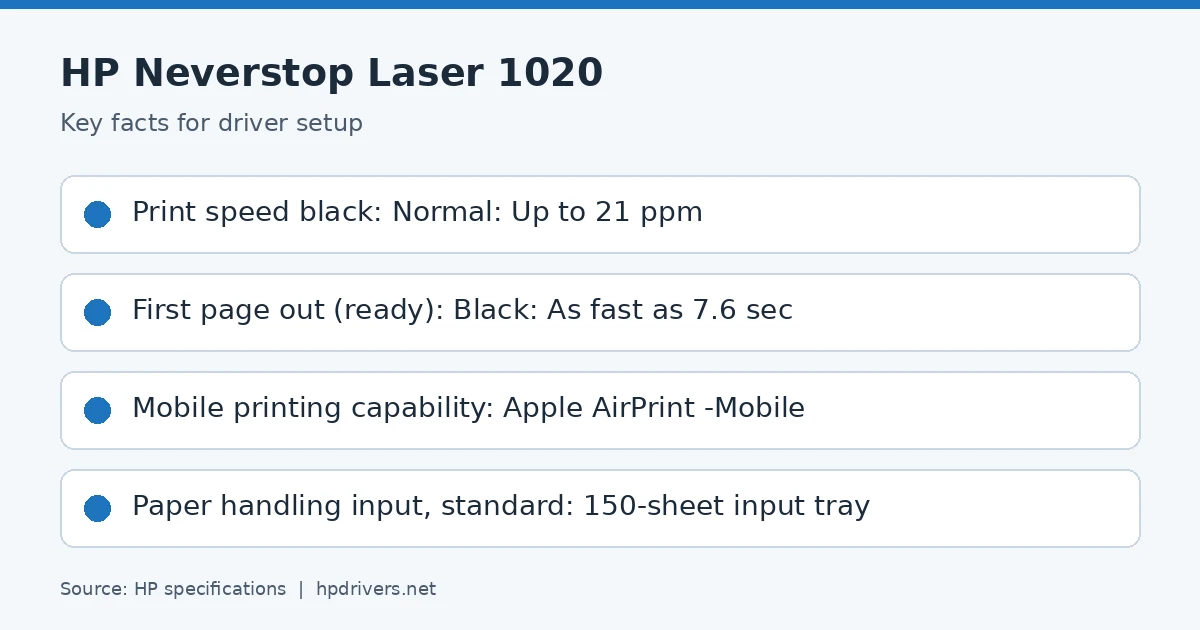
Values below are HP’s published figures for the Neverstop Laser 1000 series, which the Neverstop Laser 1020 belongs to.
Similar models
This page covers the 1020 only. The 1000a and the 1000w and the 1000n have their own pages.