Independent download guide for HP printer and scanner drivers
hpdrivers.net is an independent website and is not affiliated with, endorsed by, or sponsored by HP Inc. Download links point to HP's official servers (ftp.hp.com). Read the full disclaimer
HP LaserJet M109we Driver for Windows 11/10/8/8.1/7 (32Bit-64Bit)
Download HP LaserJet M109w/M109we/M110w/M110we/M111w/M111we/M112w/M112we EasyStart Printer Setup Software – Offline Use Only
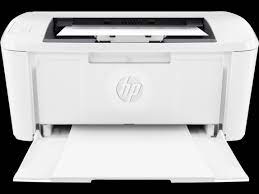
HP LaserJet M109we Printer
Description for HP LaserJet MFP M109we Printer Driver:
The full solution software includes everything you need to install and use your HP printer. This collection of software includes the complete set of drivers, installer software, and other administrative tools.
Details :
Operating systems:
Microsoft Windows 11, Microsoft Windows 10 (32-bit), Microsoft Windows 10 (64-bit), Microsoft Windows 7 (32-bit), Microsoft Windows 7 (64-bit), Microsoft Windows 8 (32-bit), Microsoft Windows 8 (64-bit), Microsoft Windows 8.1 (32-bit), Microsoft Windows 8.1 (64-bit)
HP LaserJet M109w Printer Driver for Windows 11/10/8/8.1/7 (32Bit-64Bit)
Download HP LaserJet M109w/M109we/M110w/M110we/M111w/M111we/M112w/M112we EasyStart Printer Setup Software – Offline Use Only
HP LaserJet M110we Printer
Description for HP LaserJet MFP M110we Printer Driver:
The full solution software includes everything you need to install and use your HP printer. This collection of software includes the complete set of drivers, installer software, and other administrative tools.
Details :
Operating systems:
Microsoft Windows 11, Microsoft Windows 10 (32-bit), Microsoft Windows 10 (64-bit), Microsoft Windows 7 (32-bit), Microsoft Windows 7 (64-bit), Microsoft Windows 8 (32-bit), Microsoft Windows 8 (64-bit), Microsoft Windows 8.1 (32-bit), Microsoft Windows 8.1 (64-bit)
Fix and enhancements: Updated end user license agreement and data collection statement. Improved user experience. Updated some basic information in installation screen.
Last checked against HP’s download list: November 5, 2026 · Checked by H&G
Looking for the HP LaserJet Managed Flow MFP M830 driver? This page lists HP’s official software for the whole HP LaserJet Managed Flow MFP M830 series. For Windows 10, 8.1, 8, 7, Vista (32-bit and 64-bit); Windows XP (32-bit), the package most people need is the HP LaserJet Managed flow M830 Multifunction Printer Series Full Software and Drivers.
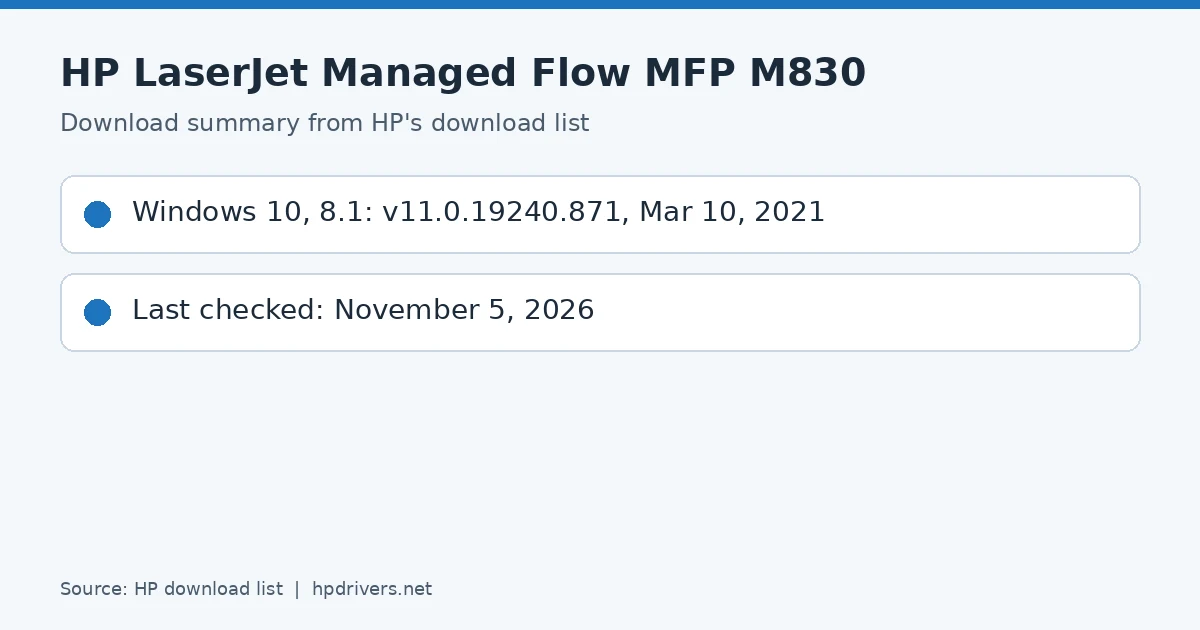
HP LaserJet Managed Flow MFP M830 download summary
Recommended downloads
Windows 10, 8.1, 8, 7, Vista (32-bit and 64-bit); Windows XP (32-bit): HP LaserJet Managed flow M830 Multifunction Printer Series Full Software and DriversVersion 11.0.19240.871 · Released Mar 10, 2021 · 139.1 MB · HP rating: Recommended
HP lists a Linux driver for this series: FutureSmart Bundle Version 3.9.12 – HP LaserJet Enterprise flow M830 Multifunction Printer FIRMWARE (Version 2309088_001493 · Released Jan 31, 2023 · 145.9 MB). Download from HP.
Installing the LaserJet Managed Flow MFP M830 driver
The driver files without an installer are added through Windows’ Add Printer wizard (Have Disk). For step-by-step instructions, see our guide to installing an HP printer driver.
Firmware update 2411298_068161
The newest firmware HP lists for the LaserJet Managed Flow MFP M830 is version 2411298_068161, released Mar 31, 2026.
Keep the printer and the computer switched on until the update has finished.
Specifications that matter for setup
Mobile printing
HP ePrint:
Print languages
HP PCL 6, HP PCL 5, HP postscript level 3 emulation, native PDF printing (v 1.4)
Functions
Print, copy, scan, fax
Print speed (black)
Normal: Up to 55 ppm
Two-sided printing
Automatic (standard)
Scanner
Flatbed, ADF
Scan resolution
Up to 600 dpi
Two-sided ADF scanning
Yes, single-pass ADF
Document feeder
Standard, 200 sheets (20 lb; 22 mm)
Scan file formats
Digital Send: PDF, JPEG, TIFF, MTIFF, XPS, PDF/A, TEXT (OCR), Unicode TEXT (OCR), RTF (OCR), Searchable PDF (OCR), Searchable PDF/A (OCR), HTML (OCR), CSV (OCR); Scan to easy access USB: PDF, JPEG
Ways to scan
Front-panel scan, copy, fax, email
Copy speed
Black: Up to 55 cpm Color: First Copy Out and Copy Speed measured using ISO/IEC 29183, excludes first set of test documents.
Ink supplies HP lists for the LaserJet Managed Flow MFP M830
HP’s specifications name these replacement supplies for the LaserJet Managed Flow MFP M830:
HP CF325XC High
Paper handling and hardware details
Values below are HP’s published figures for the LaserJet Managed Flow MFP M830; they help you check that this page matches your printer before you download anything.
Paper input tray
Two 500-sheet input trays, 100-sheet multi-purpose tray, 3500-sheet High-capacity tray
Output tray
Up to 3000 sheets (with optional stapler/stacker, stapler/stacker with hole punch, or stapler/stacker with booklet maker)
Optional trays
None (High-capacity Input tray is standard in this bundle)
Paper sizes
Tray 1: Letter, legal, executive, 11 x 17, 12 x 18, 8.5 x 13; envelopes (No. 10); Tray 2, 3: letter, legal, executive, 11 x 17, 8.5 x 13