Independent download guide for HP printer and scanner drivers
hpdrivers.net is an independent website and is not affiliated with, endorsed by, or sponsored by HP Inc. Download links point to HP's official servers (ftp.hp.com). Read the full disclaimer
Looking for an HP LaserJet Managed Flow MFP E731z driver download? This page lists HP’s official software for the HP LaserJet Managed Flow MFP E731z. For Windows 8.1, 8 (32-bit and 64-bit), the package most people need is the HP Easy Start Printer Setup Software. For Windows 11, HP lists the HP Easy Start Printer Setup Software (Internet connection required for driver installation).
Last checked against HP’s download list: November 17, 2026 · Checked by H&G
LaserJet Managed Flow MFP E731z
Recommended downloads
Windows 8.1, 8 (32-bit and 64-bit): HP Easy Start Printer Setup SoftwareVersion 17.6.15 · Released Oct 15, 2026 · 26.5 MB · HP rating: Recommended
Windows 11, Windows 10 (32-bit and 64-bit): HP Easy Start Printer Setup Software (Internet connection required for driver installation)Version 17.6.15 · Released Oct 14, 2026 · 26.5 MB
Files download directly from HP’s official servers. hpdrivers.net does not host or modify them.
Which Windows package should you choose?
HP publishes 2 kinds of Windows package for the LaserJet Managed MFP E731z:
HP Universal Print Driver (v8.2.89, Sep 11, 2026): HP’s shared driver for many models, also listed for this series.
Firmware update (v2510156_069174, Aug 28, 2026): updates the printer itself, not your PC.
All downloads for the LaserJet Managed MFP E731z
Each LaserJet Managed Flow MFP E731z driver download below links straight to the file on HP’s servers; HP’s own support page for this series lists the same files.
Windows
Package / Windows
Version
Released
Size
FutureSmart Bundle Version 5.10.0.7 – HP LaserJet Managed MFP E73130/35/40 Series Printer FIRMWARE
HP lists its Universal Print Driver for this series on Windows 11, Windows 10, 8.1, 8, 7 (32-bit and 64-bit). Get it from our HP Universal Print Driver page.
Linux
HP lists a Linux driver for this series: FutureSmart Bundle Version 5.10.0.7 – HP LaserJet Managed MFP E73130/35/40 Series Printer FIRMWARE (Version 2510156_069174 · Released Aug 28, 2026 · 1140.0 MB). Download from HP.
Installing the LaserJet Managed MFP E731z driver
Once the LaserJet Managed Flow MFP E731z driver download from the table above is complete, follow these steps.
Download the Full Software Solution (or the PCL 6 driver without installer if IT adds printers through Windows or a print server).
Connect the printer to the network and note its IP address from the control panel.
Run the package and choose the printer by its IP address or host name.
Update the firmware only after reading HP’s notes on this page, and keep the printer on until it restarts.
HP Easy Start needs an internet connection; it downloads the right software for your exact model during setup. For step-by-step instructions, see our guide to installing an HP printer driver.
Firmware update 2510156_069174
The newest firmware HP lists for the LaserJet Managed MFP E731z is version 2510156_069174, released Aug 28, 2026.
Keep the printer and the computer switched on until the update has finished.
Specifications that matter for setup
Connections
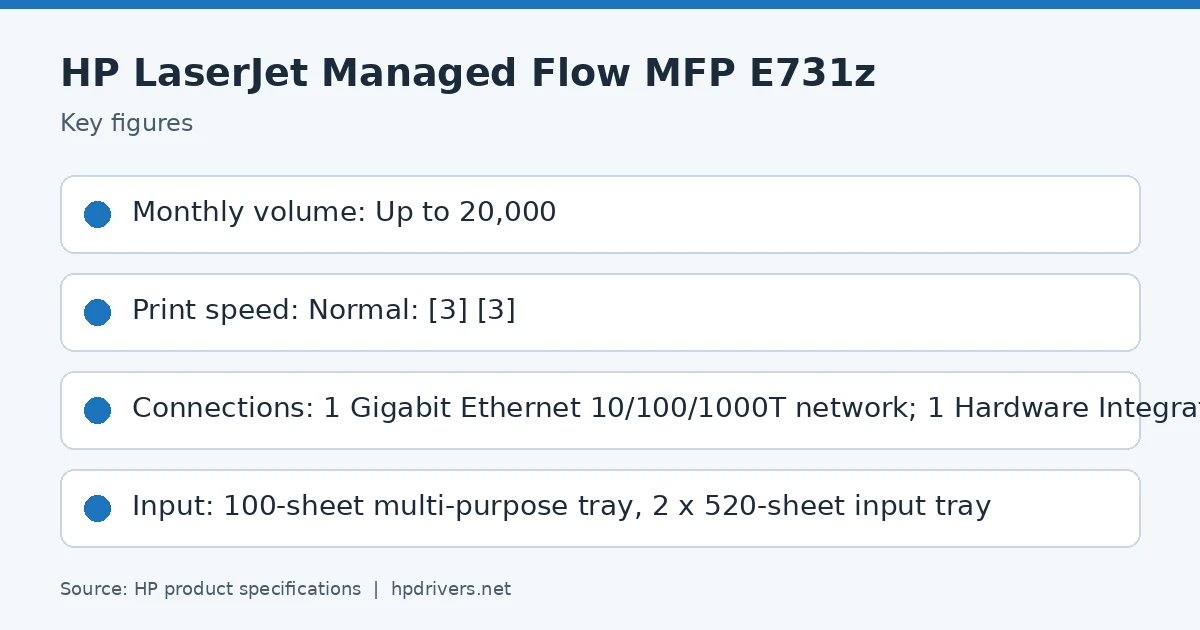
1 Gigabit Ethernet 10/100/1000T network; 1 Hardware Integration Pocket 2nd generation (HIP2); 1 Hi-Speed USB 2.0 (host); 1 SuperSpeed USB 3.0 (device); 1 SuperSpeed USB 3.0 (host)
Wi-Fi
Optional, enabled with purchase of a hardware accessory
Mobile printing
Apple AirPrint™; Mopria™ Certified; Wi-Fi® Direct Printing; NFC Touch-to-print (optional); PrinterOn Print
Print languages
HP PCL 5e, HP PCL 6, HP Postscript level 3 emulation, PDF (v 1.7), AirPrint™ compatible
Functions
Print, copy, scan, fax (optional)
Print speed (black)
Normal:
Recommended monthly volume
Up to 20,000
Two-sided printing
Automatic
Scanner
ADF; Flatbed
Scan resolution
Up to 600 x 600 dpi
Two-sided ADF scanning
Yes, single pass duplex scanning
Document feeder
Standard, 200 sheets
Scan file formats
JPEG; TIFF; MTIFF; XPS; PDF; PDF/A; High-Compression PDF; High-Compression PDF/A; Searchable PDF (OCR); Searchable PDF/A (OCR); High-Compression Searchable PDF (OCR)
Ways to scan
Front panel applications: Copy; Fax; Scan to Email; Scan to Network Folder; Scan to USB; Scan to Job Storage; Open Extensibility Platform (OXP), HP Workpath applications
Toner supplies HP lists for the LaserJet Managed MFP E731z
HP’s specifications name these replacement supplies for the LaserJet Managed MFP E731z:
HP Black Managed LJ Toner Cartridge (ISO
Paper handling and hardware details
Values below are HP’s published figures for the LaserJet Managed MFP E731z; they help you check that this page matches your printer before you download anything.
Paper input tray
100-sheet multi-purpose tray, 2 x 520-sheet input tray
Tray 1: Letter, Letter R, Legal, Executive, Statement, Oficio8.5X13, 11 x 17, 4 x 6, 5 x 7, 5 x 8,10 x 15, 8k, 16k, envelope #9, Envelope #10, Envelope Monarch
Media types
Plain, HP EcoEFICIENT, HP Matte 90g, Light 60-74g, Bond, Recycled, HP Matte 105g, HP Matte 120g, Mid-Weight 96-110g, Heavy 111-130g, HP Matte 150g, Extra Heavy 131-175g, HP Matte 200g
Paper weight
Tray 1: 16 to 79.5 lb bond; Tray 2, 3: 16 to 58.5 lb bond
Control panel
10.1-in (25.65 cm) touchscreen, WXGA Color Graphic Display (CGD)
Memory
6GB
Processor
Quad Core (1.6GHz), Dual Core (1.4GHz); SSD(766R7A): Optional, HP LaserJet 512 GB SED-TAA Solid State Drive
Internal storage
Standard, HP LaserJet 500GB Hard Disk Drive; AES 256 hardware encryption; Secure erase capabilities (Secure File Erase-Temporary Job Files
No, please purchase USB cable separately (EMEA, APJ, AMS) (Service Technician must install units)
Warranty
90 day parts only warranty
LaserJet Managed Flow MFP E731z: speed, volume and controller
HP rates the LaserJet Managed Flow MFP E731z at Normal: for black pages. The recommended monthly volume is Up to 20,000 pages.
Inside, it has a Quad Core (1.6GHz), Dual Core (1.4GHz); SSD(766R7A): Optional, HP LaserJet 512 GB SED-TAA Solid State Drive processor, 6GB of memory, internal storage described by HP as standard, HP LaserJet 500GB Hard Disk Drive; AES 256 hardware encryption; Secure erase capabilities (Secure File Erase-Temporary Job Files, Secure Erase-Job Data, Secure ATA Erase-Disk), the display: 10.1-in (25.65 cm) touchscreen, WXGA Color Graphic Display (CGD).
Based on HP’s product specifications for this series.
Paper handling, connections and supplies of the LaserJet Managed Flow MFP E731z
Standard input is 100-sheet multi-purpose tray, 2 x 520-sheet input tray; HP lists these input options: Optional 1,040 sheet tray; optional 2,000 sheet tray; output is 500 sheet face-down output bin; the maximum output capacity is up to 3250 sheets(with stapler-stacker).
Standard connections are 1 Gigabit Ethernet 10/100/1000T network; 1 Hardware Integration Pocket 2nd generation (HIP2); 1 Hi-Speed USB 2.0 (host); 1 SuperSpeed USB 3.0 (device); 1 SuperSpeed USB 3.0 (host); optional accessories are HP Jetdirect 3100w BLE/NFC/Wireless Accessory 3JN69A; wireless: optional, enabled with purchase of a hardware accessory.
Supplies: HP Black Managed LJ Toner Cartridge (ISO Yield 24,000) W9064MC, HP Black Managed LJ Toner Cartridge (ISO Yield 48,000) W9065MC Approximate average yield based on ISO/IEC 19752.
Based on HP’s product specifications for this series.
Similar models
This page is the LaserJet Managed Flow MFP E731z driver download page for this model only. The LaserJet Managed MFP E731dn has its own page.
Looking for an HP LaserJet MFP E731dn driver download? This page lists HP’s official software for the HP LaserJet Managed MFP E731dn. HP lists some packages for specific models in the series, so check that the package title includes your model. For Windows 7 (64-bit), the package most people need is the HP Easy Start Printer Setup Software (Internet connection required for driver installation). For Windows 11, HP lists the HP Easy Start Printer Setup Software (Internet connection required for driver installation). For a Mac, HP lists Install HP Easy Start.
Last checked against HP’s download list: November 16, 2026 · Checked by H&G
HP LaserJet Managed MFP E731
Recommended downloads
Windows 7 (64-bit): HP Easy Start Printer Setup Software (Internet connection required for driver installation)Version 17.6.15 · Released Oct 14, 2026 · 26.5 MB · HP rating: Recommended
Windows 11, Windows 10 (64-bit): HP Easy Start Printer Setup Software (Internet connection required for driver installation)Version 17.6.15 · Released Oct 14, 2026 · 26.5 MB
Files download directly from HP’s official servers. hpdrivers.net does not host or modify them.
Which Windows package should you choose?
HP publishes 2 kinds of Windows package for the LaserJet Managed MFP E731dn:
HP Universal Print Driver (v8.2.89, Sep 11, 2026): HP’s shared driver for many models, also listed for this series.
Firmware update (v2510156_069174, Aug 28, 2026): updates the printer itself, not your PC.
All E731dn driver downloads
Every file in the tables below is HP’s own download for the E731dn driver; the firmware entries are the ones to check if the E731dn driver reports an outdated version.
Windows
Package / Windows
Version
Released
Size
FutureSmart Bundle Version 5.10.0.7 – HP LaserJet Managed MFP E73130/35/40 Series Printer FIRMWARE Works with: all models on this page (E731dn)
HP lists its Universal Print Driver for this series on Windows 11, Windows 10, 7 (64-bit). Get it from our HP Universal Print Driver page.
Linux
HP lists a Linux driver for this series: FutureSmart Bundle Version 5.10.0.7 – HP LaserJet Managed MFP E73130/35/40 Series Printer FIRMWARE (Version 2510156_069174 · Released Aug 28, 2026 · 1140.0 MB). Download from HP.
HP Easy Start needs an internet connection; it downloads the right software for your exact model during setup. For step-by-step instructions, see our guide to installing an HP printer driver.
Firmware update 2510156_069174
The newest firmware HP lists for the LaserJet Managed MFP E731dn is version 2510156_069174, released Aug 28, 2026.
Keep the printer and the computer switched on until the update has finished.
Specifications that matter for setup
Connections
1 Gigabit Ethernet 10/100/1000T network; 1 Hardware Integration Pocket 2nd generation (HIP2); 1 Hi-Speed USB 2.0 (host); 1 SuperSpeed USB 3.0 (device); 1 SuperSpeed USB 3.0 (host)
Wi-Fi
Optional, enabled with purchase of a hardware accessory
Mobile printing
Apple AirPrint™; Mopria™ Certified; Wi-Fi® Direct Printing; NFC Touch-to-print (optional); PrinterOn Print
Print languages
HP PCL 5e, HP PCL 6, HP Postscript level 3 emulation, PDF (v 1.7), AirPrint™ compatible
Functions
Print, copy, scan, fax (optional)
Print speed (black)
Normal:
Recommended monthly volume
Up to 20,000
Two-sided printing
Automatic
Scanner
ADF; Flatbed
Scan resolution
Up to 600 x 600 dpi
Two-sided ADF scanning
Yes, single pass duplex scanning
Document feeder
Standard, 200 sheets
Scan file formats
JPEG; TIFF; MTIFF; XPS; PDF; PDF/A; High-Compression PDF; High-Compression PDF/A; Searchable PDF (OCR); Searchable PDF/A (OCR); High-Compression Searchable PDF (OCR)
Ways to scan
Front panel applications: Copy; Fax; Scan to Email; Scan to Network Folder; Scan to USB; Scan to Job Storage; Open Extensibility Platform (OXP), HP Workpath applications
Toner supplies HP lists for the LaserJet Managed MFP E731dn
HP’s specifications name these replacement supplies for the LaserJet Managed MFP E731dn:
HP Black Managed LJ Toner Cartridge (ISO
Paper handling and hardware details
Values below are HP’s published figures for the LaserJet Managed MFP E731dn; they help you check that this page matches your printer before you download anything.
Paper input tray
100-sheet multi-purpose tray, 2 x 520-sheet input tray
Tray 1: Letter, Letter R, Legal, Executive, Statement, Oficio8.5X13, 11 x 17, 4 x 6, 5 x 7, 5 x 8,10 x 15, 8k, 16k, envelope #9, Envelope #10, Envelope Monarch
Media types
Plain, HP EcoEFICIENT, HP Matte 90g, Light 60-74g, Bond, Recycled, HP Matte 105g, HP Matte 120g, Mid-Weight 96-110g, Heavy 111-130g, HP Matte 150g, Extra Heavy 131-175g, HP Matte 200g
Paper weight
Tray 1: 16 to 79.5 lb bond; Tray 2, 3: 16 to 58.5 lb bond
Control panel
10.1-in (25.65 cm) touchscreen, WXGA Color Graphic Display (CGD)
Memory
6GB
Processor
Quad Core (1.6GHz), Dual Core (1.4GHz); SSD(766R7A): Optional, HP LaserJet 512 GB SED-TAA Solid State Drive
Internal storage
Standard, HP LaserJet 500GB Hard Disk Drive; AES 256 hardware encryption; Secure erase capabilities (Secure File Erase-Temporary Job Files
No, please purchase USB cable separately (EMEA, APJ, AMS) (Service Technician must install units)
Warranty
90 day parts only warranty
Common setup problems
If the E731dn driver installs but the device still does not respond, check these points first.
You’d rather not install software on a Mac. HP’s specifications list AirPrint support, so macOS can usually add the printer from System Settings without extra software.
LaserJet Managed MFP E73130, E73135 and E73140: the mono variants
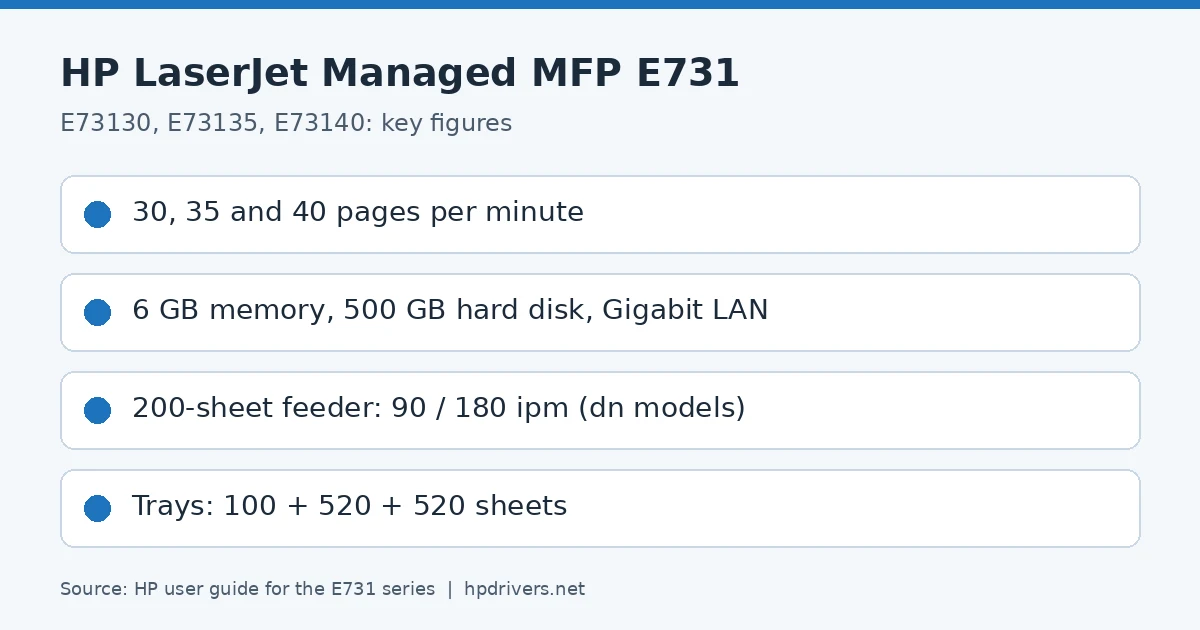
The E731 series is HP’s mono counterpart of the E786. HP’s user guide lists the E73130 at 30 pages per minute, the E73135 at 35 and the E73140 at 40, with 6 GB of memory. The dn models scan from the 200-sheet feeder at 90 images per minute simplex and 180 duplex; on the z models, HP’s Flow variants, the figures are 120 and 240.
Paper handling is the same as on the colour E786: 100 sheets in Tray 1 and 520 each in Trays 2 and 3, with custom sizes in Tray 1 from 98 x 148 mm to 297 x 432 mm. The guide’s troubleshooting chapter includes the printer picking up several sheets and the document feeder jamming or skewing, plus a 13.E1 jam in the output bin. A toner collection unit and staple cartridges are replaced separately from the toner cartridge.
Based on HP user guide HP user guide (“HP LaserJet Managed MFP E731 Series, E73130, E73135, E73140 – User Guide”).
Hardware, copy speed and media on the E731 series
HP’s specifications give the E731 the same controller family as the colour E786: a quad-core 1.6 GHz ARM A72 with dual 1.4 GHz ARM A53, 6 GB of memory, a 500 GB hard disk, Gigabit LAN, USB 3.2 Gen 1 and a TPM. Sound power is 7.1 Bel(A) for the E73130, 7.2 for the E73135 and 7.3 for the E73140.
For copying, the E73130 makes 30 copies per minute on A4 and 16 on A3. Duplex printing covers 148 x 210 to 297 x 432 mm and weights of 60 to 176 g/m². Tray 1 accepts heavy and extra-heavy stock up to 300 g/m², and the media list names colored, archive, label, envelope and transparency types.
Based on HP user guide HP user guide (“HP LaserJet Managed MFP E731 Series, E73130, E73135, E73140 – User Guide”).
Mono print quality problems on the E731 series
The E731 is a black-and-white printer, so HP’s guide has a mono print quality chapter. It lists the defects its steps address: blank and black pages, curled paper, dark or light bands and streaks, fuzzy print, grey background, light print, loose or missing toner, scattered toner dots, skewed images and smears.
The order is the same simple one HP uses elsewhere: update the printer firmware, try another program, check the paper type for the job and on the control panel, and make sure the print-driver setting matches. For copy quality the chapter begins with cleaning the scanner glass. Jam errors have their own codes in the guide: 31.13.yz for the document feeder, 13.A1 for Tray 1 and 13.A2 to 13.A4 for the other trays.
Based on HP user guide HP user guide (“HP LaserJet Managed MFP E731 Series, E73130, E73135, E73140 – User Guide”).
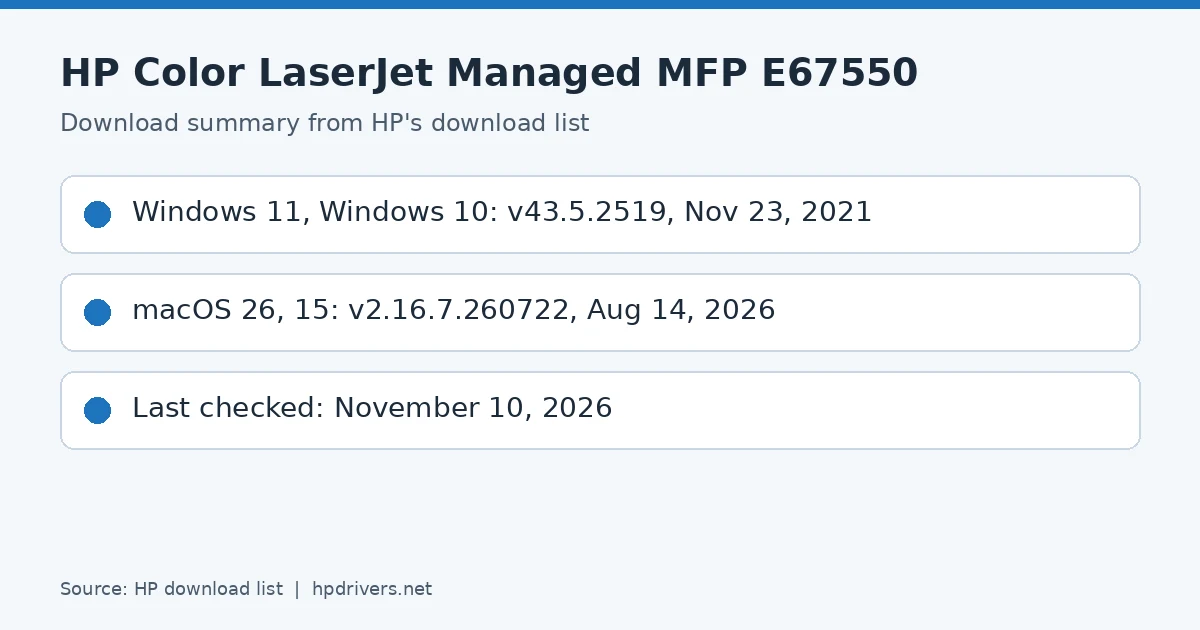
Looking for the HP Color LaserJet Managed MFP E67550 driver? This page lists HP’s official software for the whole HP Color LaserJet Managed MFP E67550 series. For Windows 11; Windows 10, 8.1, 8, 7 (32-bit and 64-bit), the package most people need is the HP Color LaserJet Managed MFP E67550/E67560 Printer Full Software Solution. For a Mac, HP lists Install HP Easy Start.
Last checked against HP’s download list: November 10, 2026 · Checked by H&G
HP Color LaserJet Managed MFP E67550 download summary
Recommended downloads
Windows 11; Windows 10, 8.1, 8, 7 (32-bit and 64-bit): HP Color LaserJet Managed MFP E67550/E67560 Printer Full Software SolutionVersion 43.5.2519 · Released Nov 23, 2021 · 173.4 MB · HP rating: Recommended
HP lists its Universal Print Driver for this series on Windows 11; Windows 10, 8.1, 8, 7 (32-bit and 64-bit). Get it from our HP Universal Print Driver page.
Linux
HP lists a Linux driver for this series: HP LaserJet Managed MFP E67550/60 Pantone Color Palette Files (Mac) (Version 1.0 · Released Jan 03, 2018 · 12.9 MB). Download from HP.
Installing the Color LaserJet Managed MFP E67550 driver
Front panel applications: Copy; E-mail; Save to Network Folder; Save to USB; Save to Device Memory; Save to SharePoint; Open Extensibility Platform (OXP) applications
Copy speed
Black: Up to 50 cpm Color: Up to 50 cpm
Toner supplies HP lists for the Color LaserJet Managed MFP E67550
HP’s specifications name these replacement supplies for the Color LaserJet Managed MFP E67550:
HP Black Managed LaserJet Toner Cartridge (~32
What comes in the box
HP lists these items with the Color LaserJet Managed MFP E67550:
HP Color LaserJet Multifunction Printer
CD with software drivers and documentation
Documentation (Hardware Install Guide)
Power cord
Paper handling and hardware details
Values below are HP’s published figures for the Color LaserJet Managed MFP E67550; they help you check that this page matches your printer before you download anything.
Optional 1×550-sheet paper feeder, optional 1×550 paper feeder and stand with cabinet, optional 3×550-sheet paper feeder and stand
Paper sizes
Tray 1: letter, legal, executive, statement, Oficio, 3 x 5 in, 4 x 6 in, 5 x 7 in, 5 x 8 in, envelopes (No. 9, No. 10, Monarch); Tray 2: letter, legal
Media types
Paper (plain, light, bond, recycled, mid-weight, heavy, mid-weight glossy, heavy glossy, extra heavy, extra heavy glossy, cardstock, card glossy), color transparency, labels, letterhead, envelope
Paper weight
Tray 1: 16 to 58 lb (plain) 32 to 58 lb (glossy); Tray 2: 16 to 90 lb (plain) 32 to 58 lb (glossy)
Print speed (color)
Up to 50 ppm
Print quality (black)
Black: Up to 1200 x 1200 dpi Color: Up to 1200 x 1200 dpi
Control panel
8.0-in (20.3 cm) Color Graphics Display (CGD) with touchscreen; rotating (adjustable angle) display; illuminated Home button (for quick return to the Home menu)
Memory
1.5 GB (printer); 512 MB (scanner)
Processor
1.2 GHz
Internal storage
Standard, minimum 500 GB HP High-Performance Secure Hard Disk (AES 256 hardware encryption or greater)
You’d rather not install software on a Mac. HP’s specifications list AirPrint support, so macOS can usually add the printer from System Settings without extra software.
Right door and fuser jams on the Color LaserJet Managed MFP E67550
HP’s jam articles for the M652, M653, E650xx and E651xx and the MFP M681, M682 and E675xx and E676xx cover the E67550.
13.B2 at the lower-right door
13.B2.XX names a cover or door, and 13.FF.EE is a door-open jam. Open the lower-right door, remove the paper and close it.
13.B9 in the fuser
Codes 13.B9.Az, Cz, Dz and FF. Let the fuser cool, open the right door and pull out any paper, then pull down sheets entering the fuser or the output bin, without touching the transfer roller.
If nothing is visible, lift the fuser slightly by its handles and pull it out to check inside.
Take the leading edge of a visible sheet and pull it out gently.
31.13 in the document feeder
Lift the latch, open the feeder cover, remove the paper and close it.
Reload the originals with the guides touching their edges without bending them, and remove staples, clips and sticky notes. HP points to its video on 31.13.01 and 31.13.02 feeder jams for more steps.
Tray 1 jams and the Stapling Mailbox on the E67550
13.B2.A1 and 13.B2.D1 from Tray 1
Pull a visible sheet straight out of Tray 1. If it will not come or is not visible, close Tray 1, open the right door, pull the paper out and close the door.
Jams in the HP Stapling Mailbox
HP lists 13.E1 (standard output bin), 13.60, 13.80 (upper right door) and 13.83 (upper bin).
Clear the mailbox output bins, then open the jam access door on the back of the mailbox, pull out any visible sheet and close it. HP says to contact support if the error stays.
13.89 staple jam
Open the stapler door, pull the staple cartridge out by its colored handle, lift the small lever at the back, remove the jammed staples and snap the lever closed.
Push the cartridge back by its handle until it snaps and close the door.
HP’s color print quality article for Color LaserJet Enterprise and Managed printers lists the defects it covers: blank or black pages, misaligned colors, curled paper, bands and streaks, fuzzy, light or dark print, loose, missing or scattered toner, skewed images and smears.
HP’s first steps, in order
Update the printer firmware.
Print from a different program; if that page is fine, the problem is the program.
Check the paper type setting, which HP links to smears, fuzzy or dark print, curled pages, scattered dots and loose or missing toner.
Later in HP’s color print quality article for Color LaserJet Enterprise and Managed printers, the paper type check goes further than the driver.
On the control panel
Open and close the tray and confirm or change the size and type the panel shows, and make sure the paper meets HP’s specifications.
Under Settings, Print quality, Adjust paper type, choose the loaded paper type and adjust the humidity and resistance settings. In a humid room set Humidity Mode to High. Resistance Mode changes how toner transfers to the paper, and HP says it can take a few tries to find the right value.
HP adds that the print driver settings override the control panel, so both should match.
Grayscale-only prints with the Universal Print Driver on the E67550
HP has an article for color Managed printers that print only in grayscale or black and white after the HP Universal Print Driver is installed in Windows.
What HP checks
Whether your organization restricts color printing; HP says to ask the system administrator if so.
Whether a Windows quick set has Print in Grayscale selected on the Finishing tab.
Whether the driver knows the printer is color: in the UPD’s Printer properties, Device Settings, set Automatic Configuration to Update Now and apply.