
The HP LaserJet Pro M402m driver download for Windows 10, 8.1, 8 (32-bit and 64-bit) is the HP LJ Pro M402-M403 n, m, dn, dne Printer Series PCL 6 V3 Full Solution, and for a Mac HP lists the package titled “Install HP Easy Start”. This page lists HP’s official software for the HP LaserJet Pro M402m.
Recommended LaserJet Pro M402m driver downloads
Files download directly from HP’s official servers. hpdrivers.net does not host or modify them.
Which Windows package does the LaserJet Pro M402m driver need?
These are the main types of Windows package that HP lists specifically for the LaserJet Pro M402m:
- Driver files (no installer) (v8.00.1329.6488, Apr 05, 2021): bare driver files for Windows’ Add Printer wizard.
- Full software solution (v16.0.19135.668, Mar 04, 2021, 76.0 MB): driver plus HP’s setup wizard and tools.
- Firmware update (v20220414, May 24, 2022): updates the printer itself, not your PC.
- Driver-only installer (v16.0.19135.726, Mar 04, 2021): print driver only, for PCs that can’t or shouldn’t take the full package.
LaserJet Pro M402m driver: all packages
HP’s download list for this series includes Windows 10, 8.1, 8, 7 (32-bit and 64-bit) packages. It does not list separate Windows 11 packages.
LaserJet Pro M402m driver for Windows
File details
File:HP_LJ_Pro_M402-M403_n-m-dn-dne_PCL6_Win8_Plus_Print_Driver_no_Installer_20342_1.exeFile details
File:HP_LJ_Pro_M402-M403_n-m-dn-dne_PCL6_Print_Driver_no_Installer_20342_1.exeFile details
File:HP_LJ_Pro_M402-M403_PCL6_v3_Modern_Full_Soln_19135.exeFile details
File:M402_M403_Series_FW_Update-20220414.exeFile details
File:HP_LJ_Pro_M402-M403_n-m-dn-dne_PCL6_v3_Basic_Solution_19135.exeFile details
File:HP_LJ_Pro_M402-M403_n-m-dn-dne_Full_Solution_19135.exeMac firmware utility for the LaserJet Pro M402m
File details
File:M402_M403_Series_FW_Update-20211118.dmgOther HP software listed for this series
LaserJet Pro M402m driver for Linux
HP lists Linux support for this series through its HPLIP project, outside the regular download list: HP’s Linux printing page (HPLIP).
Which systems the LaserJet Pro M402m driver supports
HP’s download list for the LaserJet Pro M402m names Windows 10, 8.1, 8, 7 (32-bit and 64-bit); macOS 26, 15, 12, 11, 10.15, 10.14, 10.13, 10.12, Mac OS X 10.11, Mac OS X 10.10, Mac OS X 10.9, Mac OS X 10.8, Mac OS X 10.7, Mac OS X 10.6, Mac OS X 10.5; and Linux through HPLIP. For macOS 26, 15, setup runs through the HP app.
Installing the LaserJet Pro M402m driver
To install it, follow these steps.
- Pick the installer from the table above.
- Run it and follow the prompts on screen.
- Connect the printer with the USB cable, or to your network, when the installer asks.
- Print a test page to confirm the connection.
The driver files without an installer are added through Windows’ Add Printer wizard (Have Disk). For step-by-step instructions, see our guide to installing an HP printer driver.
Firmware update 20220414 for the LaserJet Pro M402m
For the LaserJet Pro M402m, HP lists the HP LaserJet Pro Series Windows Firmware Update Utility, version 20220414, released May 24, 2022. HP’s notes for it: Network stack update; Supplies related fixes. On a Mac, HP lists version 20211118, released Dec 09, 2021.
- Check your current firmware version first on the printer’s Configuration Page, and update only if it is older.
- Install the printer driver before running the update. HP’s utility needs it to reach the printer.
Specifications that matter for setup
Paper handling and hardware details
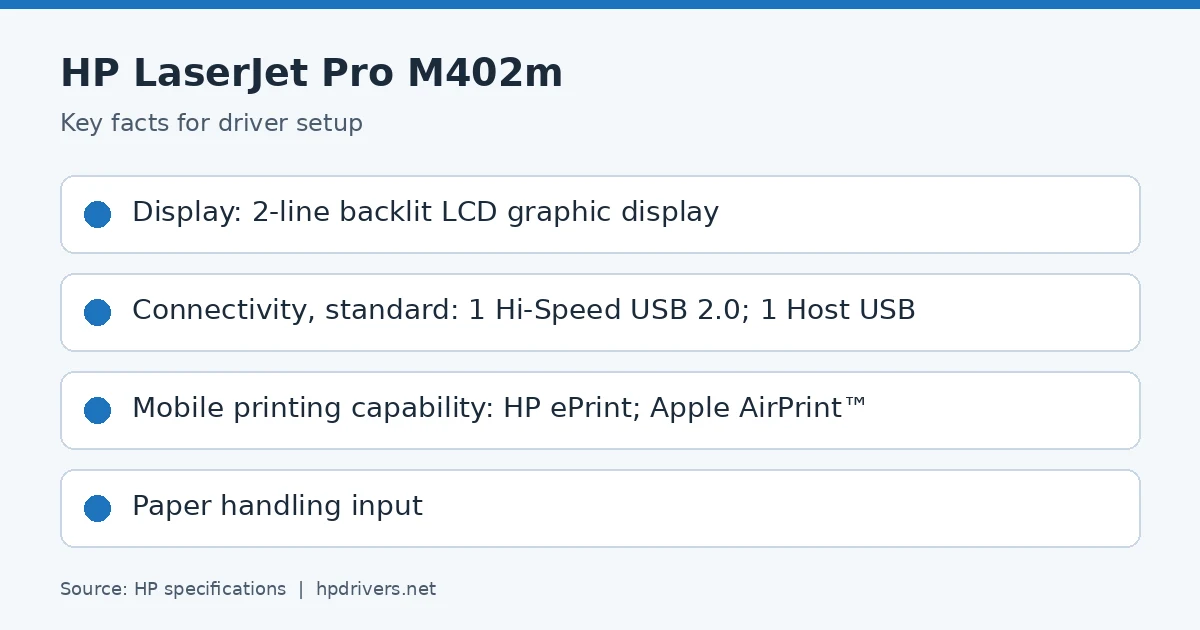
Values below are HP’s published figures for the LaserJet Pro M402-M403 n-dn series, which the LaserJet Pro M402m belongs to.
Common setup problems
- No Wi-Fi option during setup. HP’s specifications list no built-in Wi-Fi for the LaserJet Pro M402-M403 n-dn. Use an Ethernet cable or USB.
- An older driver is still installed. HP’s 2021 packages fixed a security vulnerability, so replace older versions with the current package.
- You’d rather not install software on a Mac. HP’s specifications list AirPrint support, so macOS can usually add the printer from System Settings without extra software.
Similar models
This page covers the HP LaserJet Pro M402m only. The HP LaserJet MFP M236d and the M233sdw and M234sdw have their own pages.