Looking for the HP LaserJet Managed MFP E826dn driver? This page lists HP’s official software for the HP LaserJet Managed MFP E826dn. HP lists some packages for specific models in the series, so check that the package title includes your model. For Windows 7 (64-bit), the package most people need is the HP Easy Start Printer Setup Software (Internet connection required for driver installation). For Windows 11, HP lists the HP Easy Start Printer Setup Software (Internet connection required for driver installation). For a Mac, HP lists Install HP Easy Start.
Recommended downloads
Files download directly from HP’s official servers. hpdrivers.net does not host or modify them.
Which Windows package should you choose?
HP publishes 2 kinds of Windows package for the LaserJet Managed MFP E826dn:
- HP Universal Print Driver (v8.2.89, Sep 11, 2026): HP’s shared driver for many models, also listed for this series.
- Firmware update (v2510156_069181, Aug 28, 2026): updates the printer itself, not your PC.
All E826dn driver downloads
Every file in the tables below is HP’s own download for the E826dn driver; the firmware entries are the ones to check if the E826dn driver reports an outdated version.
Windows
10, 7 (64-bit)
File details
File:E82650_60_70_fs5.10.0.7_fw_2510156_069181.zipmacOS
File details
File:E82650_60_70_fs5.10.0.7_fw_2510156_069181.zipOther HP software listed for this series
Windows 10, 7 (64-bit)
Windows 10, 7 (64-bit)
Windows 10, 7 (64-bit)
Windows 10, 7 (64-bit)
Windows 10 (64-bit)
Windows 10 (64-bit)
HP Universal Print Driver
HP lists its Universal Print Driver for this series on Windows 11; Windows 10, 7 (64-bit). Get it from our HP Universal Print Driver page.
Linux
HP lists a Linux driver for this series: FutureSmart Bundle Version 5.10.0.7 – HP LaserJet Managed MFP E82650/60/70 Series Printer FIRMWARE (Version 2510156_069181 · Released Aug 28, 2026 · 1153.8 MB). Download from HP.
Installing the E826dn driver
Download the E826dn driver only from the HP link in the table above. HP’s own support page for the E826dn driver lists the same files.
HP Easy Start needs an internet connection; it downloads the right software for your exact model during setup. For step-by-step instructions, see our guide to installing an HP printer driver.
Firmware update 2510156_069181
The newest firmware HP lists for the LaserJet Managed MFP E826dn is version 2510156_069181, released Aug 28, 2026.
- Keep the printer and the computer switched on until the update has finished.
Specifications that matter for setup
Toner supplies HP lists for the LaserJet Managed MFP E826dn
HP’s specifications name these replacement supplies for the LaserJet Managed MFP E826dn:
- HP Black Managed LJ Toner Cartridge (ISO
Paper handling and hardware details
Values below are HP’s published figures for the LaserJet Managed MFP E826dn; they help you check that this page matches your printer before you download anything.
Common setup problems
If the E826dn driver installs but the device still does not respond, check these points first.
- You’d rather not install software on a Mac. HP’s specifications list AirPrint support, so macOS can usually add the printer from System Settings without extra software.
LaserJet Managed MFP E82650, E82660 and E82670: the fastest of the three
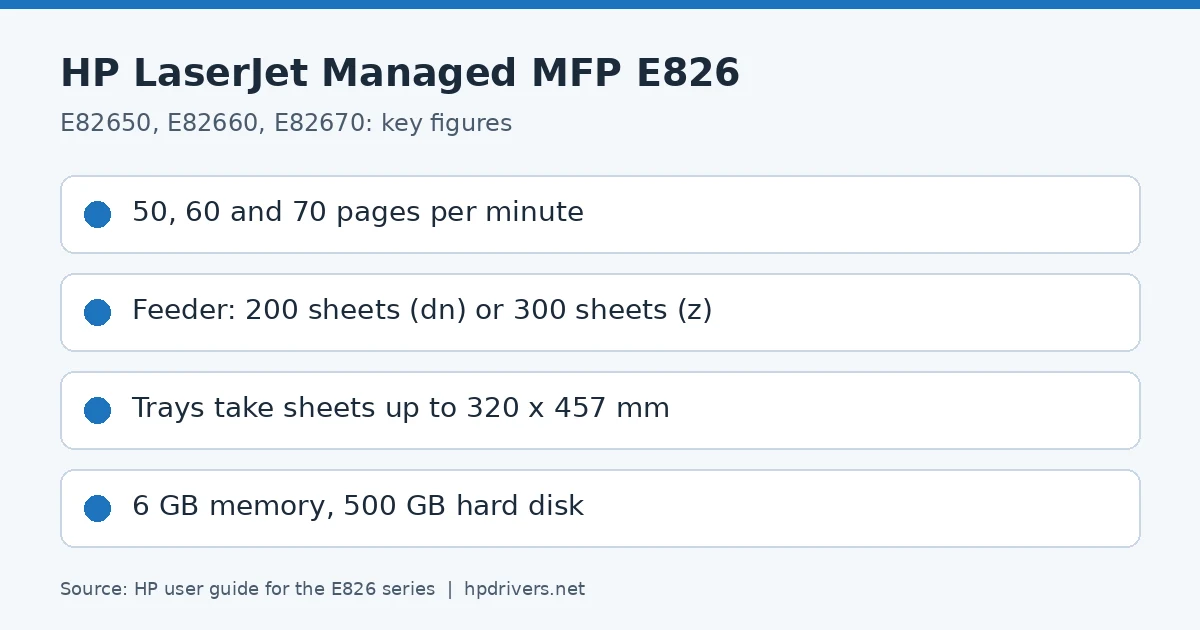
The E826 series is the high-speed model. HP’s guide lists the E82650 at 50 pages per minute, the E82660 at 60 and the E82670 at 70, again with 6 GB of memory. The feeder is larger too: 200 sheets on the dn models and 300 sheets on the z models. Scan speeds are 90 images per minute simplex and 180 duplex on the dn models, and 150 and 300 on the z models.
The trays have the same capacity as on the E731 (100, 520 and 520 sheets), but they accept larger sheets: Tray 1 and Tray 3 take custom sizes up to 320 x 457 mm (12.6 x 18 in), while the E731 stops at 297 x 432 mm. If a job stops with 13.E1, the guide describes it as a jam in the output bin.
Based on HP user guide HP user guide (“HP LaserJet Managed MFP E826 Series, E82650, E82660, E82670 – User Guide”).
Hardware, copy speed and media on the E826 series
The E826 uses the same controller family as the other two (quad-core ARM, 6 GB, 500 GB hard disk, Gigabit LAN, USB 3.2 Gen 1, TPM) but lists a print resolution of 1,200 dpi. Sound power is higher because of the speed: 7.4 Bel(A) for the E82650, 7.5 for the E82660 and 7.6 for the E82670.
On A3, the E82650 base model copies 26 pages per minute, against 16 for the E73130. Duplex printing accepts sizes from 139.7 x 182 mm up to 320 x 457 mm and weights from 60 to 300 g/m², and the media list adds bond, hole-punched, cotton, thin and thick cardstock and several extra-heavy classes.
Based on HP user guide HP user guide (“HP LaserJet Managed MFP E826 Series, E82650, E82660, E82670 – User Guide”).
Mono print quality and scanner calibration on the E826 series
HP’s E826 guide also treats print quality as a mono problem and lists the same defect types as for the E731, from blank pages to smears. What it adds is a scanner calibration procedure in the copy-quality part: from the Home screen open Support Tools, then Maintenance, touch Start and follow the prompts. HP asks you to set the input-tray guides against the original when you use the document feeder.
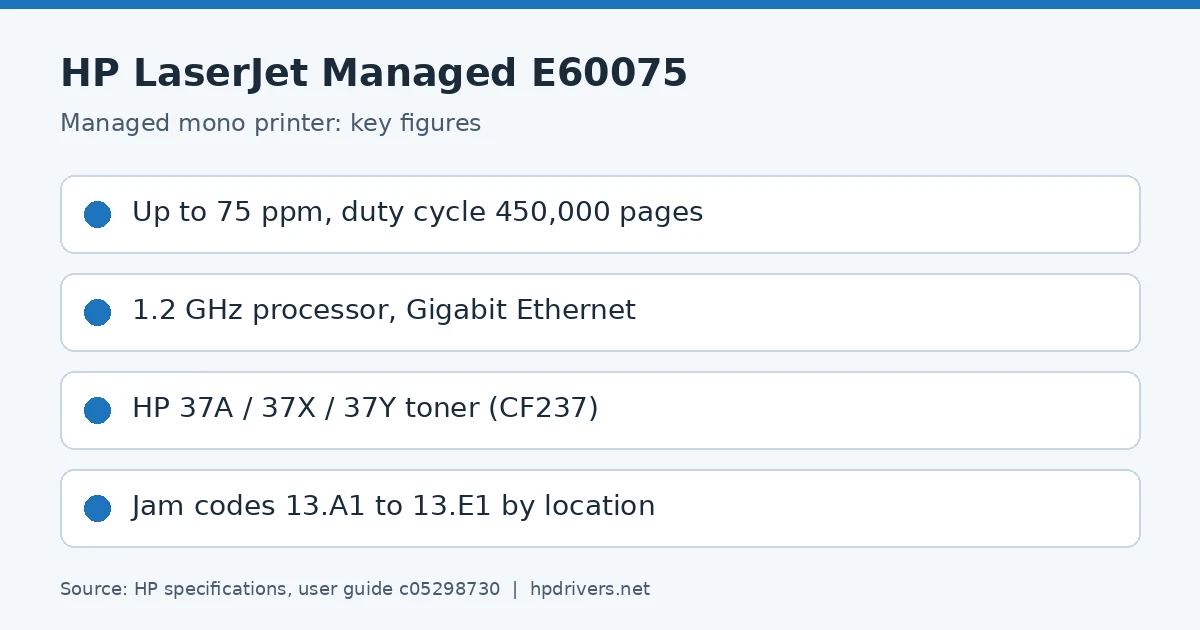
Because the E826 prints at up to 70 pages per minute, jam codes matter in daily use. The guide separates 31.13.yz in the document feeder, 13.A1 in Tray 1, 13.A2 to 13.A4 in the lower trays, 13.E1 in the output bin and 13.B9, 13.B2 and 13.FF in the right door and fuser area.
Based on HP user guide HP user guide (“HP LaserJet Managed MFP E826 Series, E82650, E82660, E82670 – User Guide”).