
The HP use SETUP cartridges error means the printer expects the special cartridges that came in its box, and it found normal or non-HP cartridges during first-time setup. HP’s own page covers what to check and who to contact, and this guide explains it in plain steps without any workaround that HP does not support.
What a SETUP cartridge is
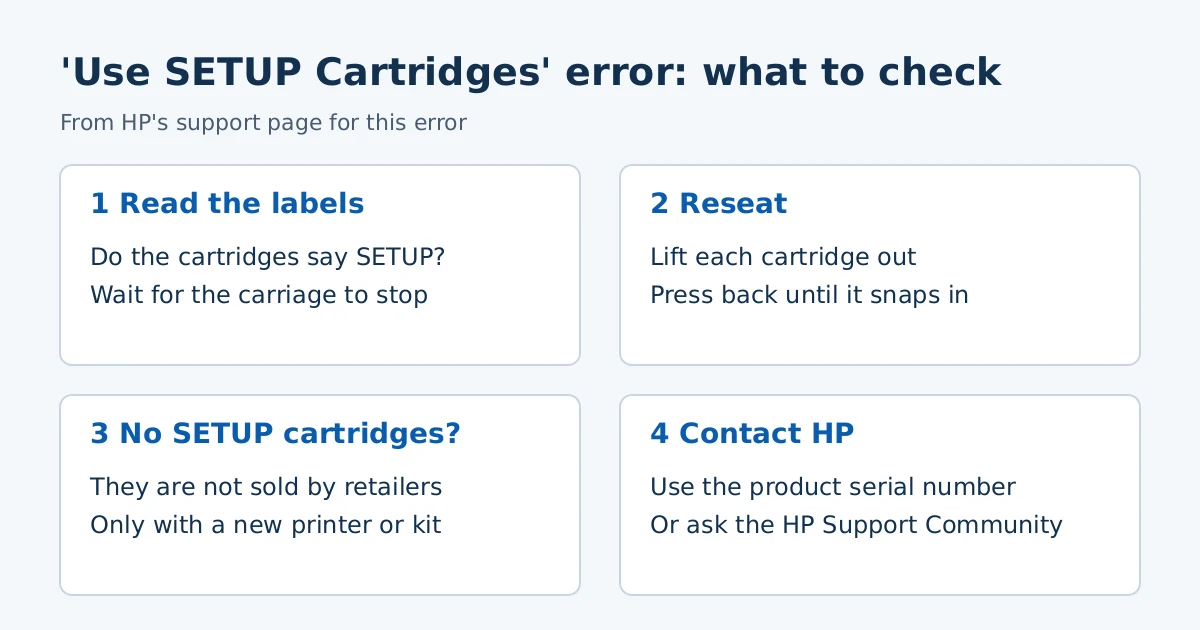
HP says printers ship with SETUP ink cartridges that are required to initialize and calibrate a new printer. They are not the same as the replacement cartridges you buy later. HP states that SETUP cartridges cannot be purchased from retailers and come only with a new printer or with some replacement printhead kits.
Step 1: Check which cartridges are installed
HP’s page splits the error into three types, based on the cartridge shape in a picture. The steps below are from HP’s Type 1 section, which lists printers that use HP 178, 364, 564, 655, 862, 902 to 910, 912, 914 to 920, 934 and 935 cartridges. Open HP’s page and match the picture to your cartridges if yours look different, because we did not review the Type 2 and Type 3 steps.
- Turn the printer on and open the door or lid to the cartridge access area.
- Wait until the carriage is idle and silent.
- Look at the labels and check whether the cartridges say SETUP.
Step 2: Reseat the cartridges
If SETUP cartridges are installed, or you installed new cartridges and got the error, HP says to push in the tab on a cartridge and lift it out of the slot. Put it back into its color-coded slot and press down until it snaps into place. Repeat for the other cartridges, then close the door or lid.
Step 3: If the printer has no SETUP cartridges
HP’s page says that if a new printer did not come with SETUP cartridges, you should contact HP Customer Support. It also says to enter the product serial number to see warranty status and choose a support option. You can ask the HP Support Community with your model and the error message, or contact an HP agent.
Buying a used printer
People who buy a used printer sometimes meet this error because the original SETUP cartridges are gone. HP’s page does not describe a path for used printers, so we cannot tell you what HP will do in that case. Contacting HP with the serial number is the route its page offers. We do not recommend firmware or chip tricks to bypass the message, because HP does not support them and they can leave the printer unusable.
Frequently asked questions
Can I buy SETUP cartridges?
According to HP, no. They are not sold by retailers.
Are normal cartridges the wrong ones?
Normal replacement cartridges are right for printing after setup, but HP says using them or non-HP cartridges during the first-time setup triggers this error. Our ENVY cartridge compatibility table shows which cartridge numbers fit which printers.
Will a driver fix it?
No. This is a cartridge and setup error, not a driver problem. For driver steps see our install guide.
Sources: HP Support, “HP Printers – A ‘Use SETUP Cartridges’ Error Displays.” Steps vary by cartridge type and model.
Advertisement