
If your HP Instant Ink cancelled printer will not print, the cause is usually not a fault. HP says Instant Ink cartridges only work in a printer that is enrolled, so once the billing cycle after your cancellation ends, those cartridges stop working. This guide explains what HP says happens and what to do next.
What HP says happens after you cancel
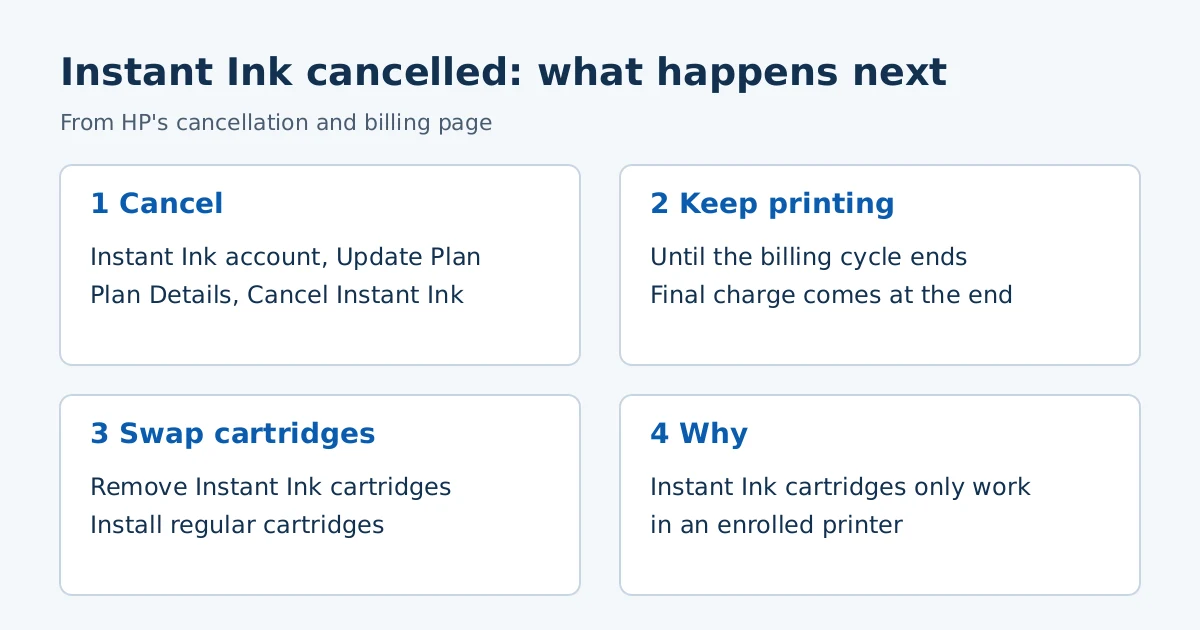
- You can keep printing with Instant Ink supplies until the end of your current billing cycle.
- At the end of the billing cycle you must remove the Instant Ink cartridges and install regular cartridges to keep printing.
- Instant Ink cartridges only work in enrolled printers.
- Your final monthly charge comes at the end of the billing cycle.
How cancelling works
HP’s page lists these steps. Sign in to your Instant Ink account, verify the serial number under Overview and Printer Details, click HP Instant Ink, then Update Plan. Scroll to Plan Details and click Cancel Instant Ink, then follow the prompts. HP says you get an email confirmation right away and another at the end of the billing cycle. If you are on a yearly plan, HP says the cancellation timing differs, so read that note on its page before cancelling.
HP also suggests contacting Instant Ink support before you cancel, because other plan options may fit better. HP has a separate section for people who cancelled and then decided to keep the service, so check its page if that is you.
When the printer stops after the cycle ends
- Open the cartridge access area and remove the Instant Ink cartridges.
- Install regular cartridges that match your printer. HP’s page “Which cartridges work with my HP printer?” lists them by model.
- Close the door and try a test print.
HP’s Instant Ink problem page also says most printing problems are not related to Instant Ink. If a regular cartridge is installed and the printer still does not print, work through the usual causes, such as an offline printer or a missing driver.
Billed after cancelling?
HP has a section titled “Why was I billed after I cancelled?” on its billing page. We did not review it in detail, so check it directly, as your charge depends on your plan and billing date.
Frequently asked questions
Can I use the leftover Instant Ink cartridges in another printer?
HP says Instant Ink cartridges only work in enrolled printers, so no.
Does cancelling stop printing immediately?
No. HP says you can keep printing until the end of the current billing cycle.
Sources: HP Support, “HP Instant Ink account subscription, billing, and cancellation” and “Help with Instant Ink problems.” Plans and menus vary by country.
Advertisement