
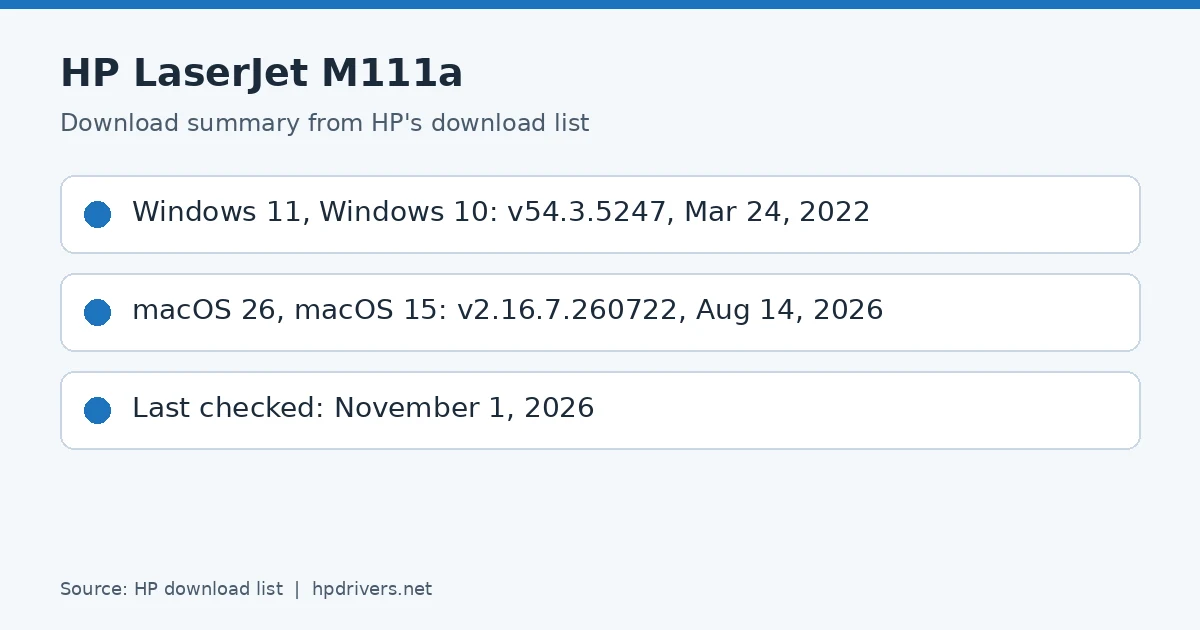
Looking for the HP LaserJet M111a driver download? This page lists HP’s official software for the whole HP LaserJet M109a-M112a Printer series. HP lists some packages for specific models in the series, so check that the package title includes your model. For Windows 11, Windows 10 (64-bit) and Windows 7 (64-bit), the package most people need is the HP LaserJet M109a/M110a/M111a/M112a EasyStart Printer Setup Software – Offline Use Only. For a Mac, HP lists Install HP Easy Start.
Recommended downloads
Files download directly from HP’s official servers. hpdrivers.net does not host or modify them.
Which Windows package should you choose?
HP publishes 2 kinds of Windows package for the LaserJet M109a-M112a:
- Firmware update (v20260530, Jul 23, 2026): updates the printer itself, not your PC.
- Full software solution (v54.3.5247, Mar 24, 2022, 149.9 MB): driver plus HP’s setup wizard and tools.
All downloads for the LaserJet M109a-M112a
Windows
File details
File: M109-M112_Series_FW_Update-20260530.exe
File details
File: HPEasyStart-13.6.5-LJM109-M112_U_54_3_5247_1_Webpack.exe
macOS
File details
File: M109-M112_Series_FW_Update-20260530.dmg
Other HP software listed for this series
Linux
HP lists Linux support for this series through its HPLIP project, outside the regular download list: HP’s Linux printing page (HPLIP).
Installing the LaserJet M109a-M112a driver
For step-by-step instructions, see our guide to installing an HP printer driver.
Firmware update 20260530
The newest firmware HP lists for the LaserJet M109a-M112a is version 20260530, released Jul 23, 2026. HP’s notes for it: USB Support for PSA Driver; Security updates; General improvements and bug fixes.
- Keep the printer and the computer switched on until the update has finished.
HI
HOPE ARE YOU DOING GOOD,
ACTULLY I AM FACING A PROBLM RELATED TO PRINTER I REQUIRED OF COMPATIBILITY OF THESE PRINTER WHICH GIVEN BELOW
1) LASERJET P2055D
2) LASERJET P2055DN
3) LASERJET M404N
4)LASERJET 2035
5) OFFICEJET PRO6320
I have checked again for you. There is no issue with the driver. Make sure it is the right operating system.