
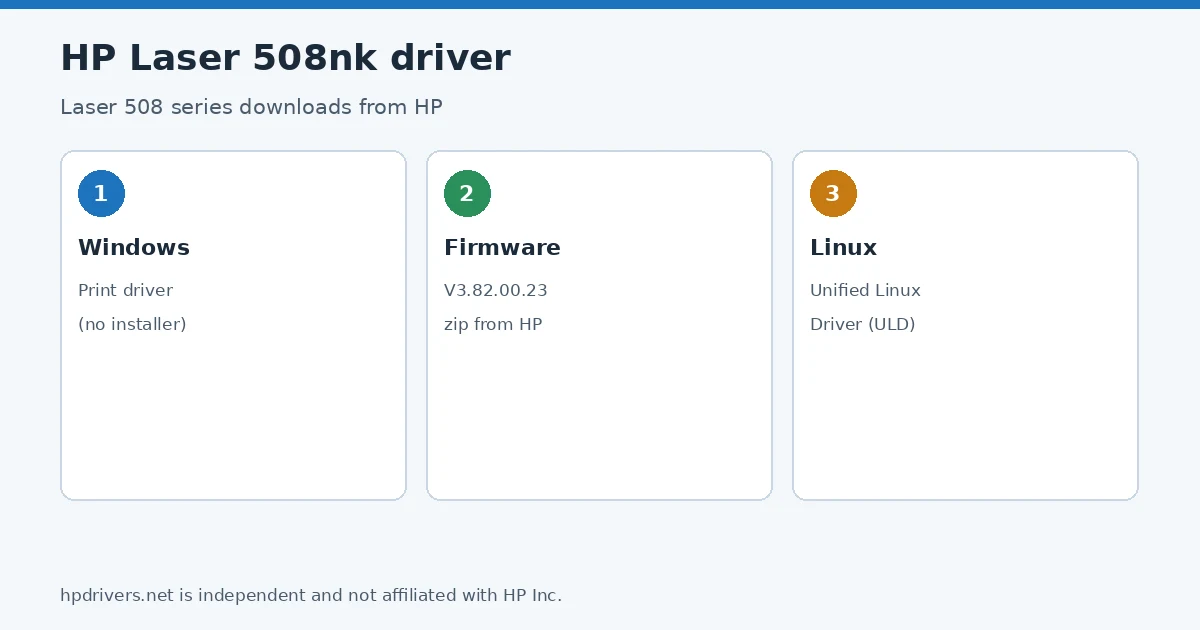
Looking for the HP Laser 508nk driver? This page lists HP’s official software for the whole HP Laser 508 Printer series. For Windows 11; Windows 10, 8.1, 7 (32-bit and 64-bit), the package most people need is the HP Laser 508nk Printer Print Driver (no installer).
Recommended downloads
Files download directly from HP’s official servers. hpdrivers.net does not host or modify them.
Which Windows package should you choose?
HP publishes 2 kinds of Windows package for the Laser 508:
- Driver files (no installer) (v3.13.59.00_V07, Apr 09, 2019): bare driver files for Windows’ Add Printer wizard.
- Firmware update (v3.82.00.23, May 08, 2025): updates the printer itself, not your PC.
All Laser 508nk driver downloads
Windows
10, 8.1, 7 (32-bit and 64-bit)
File details
File:HP_Laser_Printer_508nk_V3.13.59.00V07_WHQL.zip10, 8.1, 7 (32-bit and 64-bit)
File details
File:508nk_V3.82.00.23.zipInstalling the Laser 508nk driver
The steps below install the Laser 508nk driver the way HP’s package expects. Download the file only from the HP link in the table above, and follow the order shown here.
The driver files without an installer are added through Windows’ Add Printer wizard (Have Disk). For step-by-step instructions, see our guide to installing an HP printer driver.
Firmware update 3.82.00.23
The newest firmware HP lists for the Laser 508 is version 3.82.00.23, released May 08, 2025.
- Keep the printer and the computer switched on until the update has finished.
Specifications that matter for setup
Toner supplies HP lists for the Laser 508
HP’s specifications name these replacement supplies for the Laser 508:
- HP SI Black Original Laser Toner Cartridge (20
What comes in the box
HP lists these items with the Laser 508:
- Setup Guide
- Reference Guide
- Regulatory Statements Flyer
- Power cord
- USB cable
Paper handling and hardware details
Values below are HP’s published figures for the Laser 508; they help you check that this page matches your printer before you download anything.
Common setup problems
HP lists these files on its own page: HP software and driver downloads for the Laser 508 series.
If the Laser 508nk driver installs but the printer still does not respond, check these points first.
- No Wi-Fi option during setup. HP’s specifications list no built-in Wi-Fi for the Laser 508. Use an Ethernet cable or USB.
Advertisement