
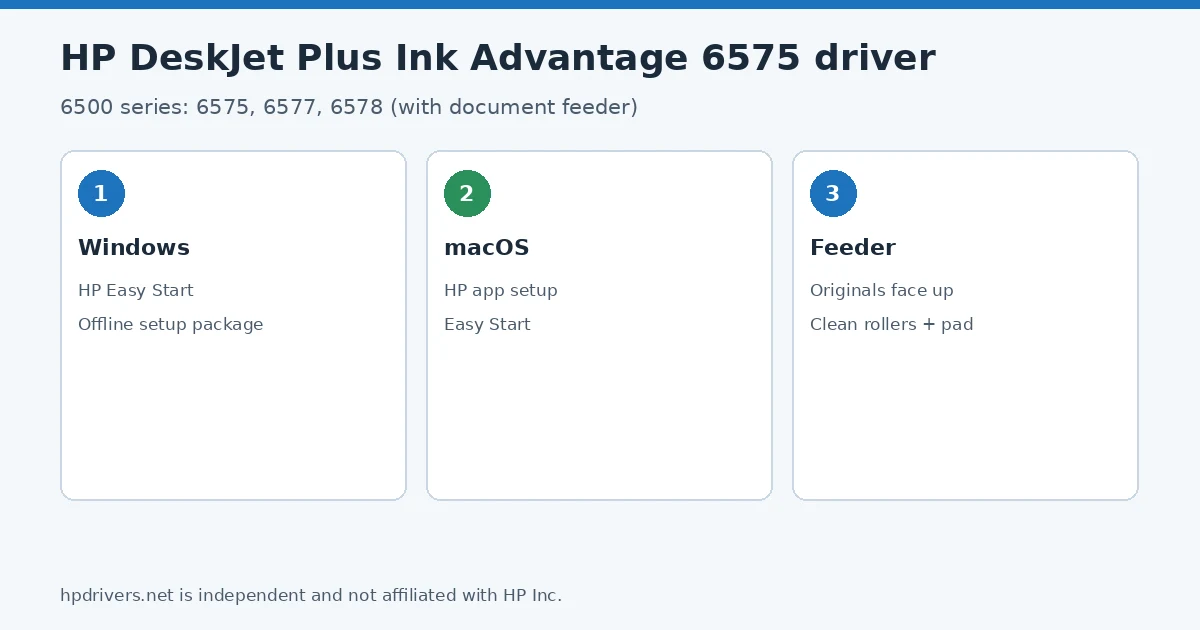
Looking for an HP Ink Advantage 6575 driver download? This page lists HP’s official software for the HP DeskJet Plus Ink Advantage 6575, 6577 and 6578, which HP lists with (almost) the same downloads. HP lists some packages for specific models in the series, so check that the package title includes your model. For Windows 11, Windows 10 (64-bit), the package most people need is the HP DeskJet Plus Ink Advantage 6500 Series EasyStart Printer Setup Software – Offline Use Only. For a Mac, HP lists Install HP app to complete setup and support.
Recommended downloads
Files download directly from HP’s official servers. hpdrivers.net does not host or modify them.
Models covered by this page
All 3 models share one download list at HP:
HP DeskJet Plus Ink Advantage 6575 HP DeskJet Plus Ink Advantage 6578 HP DeskJet Plus Ink Advantage 6577
All downloads for the DeskJet Plus Ink Advantage 6500
Each Ink Advantage 6575 driver download below links straight to the file on HP’s servers; HP’s own support page for the DeskJet Plus Ink Advantage 6575 lists the same files.
Windows
10 (64-bit)
File details
File:HPEasyStart-16.6.10-DJP6500_61_0_1959_Webpack.exeOther HP software listed for this series
Windows 10 (64-bit)
Windows 10 (64-bit)
Windows 10 (64-bit)
Installing the DeskJet Plus Ink Advantage 6500 driver
Once the Ink Advantage 6575 driver download from the table above is complete, follow these steps.
- Download HP Easy Start from the Recommended downloads box, or the 6500 series offline EasyStart package if the computer has no internet during setup.
- Switch the printer on, load A4 or Letter paper and keep it near your Wi-Fi router for the wireless setup.
- Run the installer and choose Wireless or USB; with USB, connect the cable only when the installer asks.
- Test the document feeder with a few plain pages, print side up.
For step-by-step instructions, see our guide to installing an HP printer driver.
Specifications that matter for setup
Ink supplies HP lists for the DeskJet Plus Ink Advantage 6500
HP’s specifications name these replacement supplies for the DeskJet Plus Ink Advantage 6500:
- LA: HP 668 Black Original Ink Advantage Cartridge (~160 pages
Paper handling and hardware details
Values below are HP’s published figures for the DeskJet Plus Ink Advantage 6500; they help you check that this page matches your printer before you download anything.
The document feeder: what the 6575 adds over the 6175
The DeskJet Plus Ink Advantage 6575, 6577 and 6578 belong to HP’s 6500 series, and the user guide repeats one sentence in every loading chapter: the document feeder is only available on the 6500 series. The 6175 and 6178 of the 6100 series copy and scan from the glass only.
To use the feeder, open its input tray, slide the paper-width guides outwards, load the originals print side up and move the guides until they touch the stack. HP warns not to put photos in the feeder, because it can damage them, and notes that some copy features such as Fit to Page only work from the scanner glass. Copies are supported up to A4 or Letter size.
Based on HP user guide pdf_10011365 (“HP DeskJet Plus Ink Advantage 6100/6500 series User Guide”).
Cleaning the feeder rollers on the 6575
If the feeder pulls several pages at once or stops picking up plain paper, HP’s fix is to clean the rollers and the separator pad. Switch the printer off with the Power button and unplug the power cord, take all originals out of the feeder tray, open the feeder input tray and lift the feeder cover: the rollers and the separator pad are then easy to reach.
Wipe them with a lint-free cloth lightly dampened with distilled water, let them dry, close the cover and plug the printer back in. Scanning and sharing to the cloud, email or a computer, and HP’s Mobile Fax, are started from the HP app.
Based on HP user guide pdf_10011365 (“HP DeskJet Plus Ink Advantage 6100/6500 series User Guide”).
Similar models
This page is the Ink Advantage 6575 driver download page for this model only. The DeskJet Plus Ink Advantage 6175 (6100 series) has no document feeder and its own page.
Advertisement